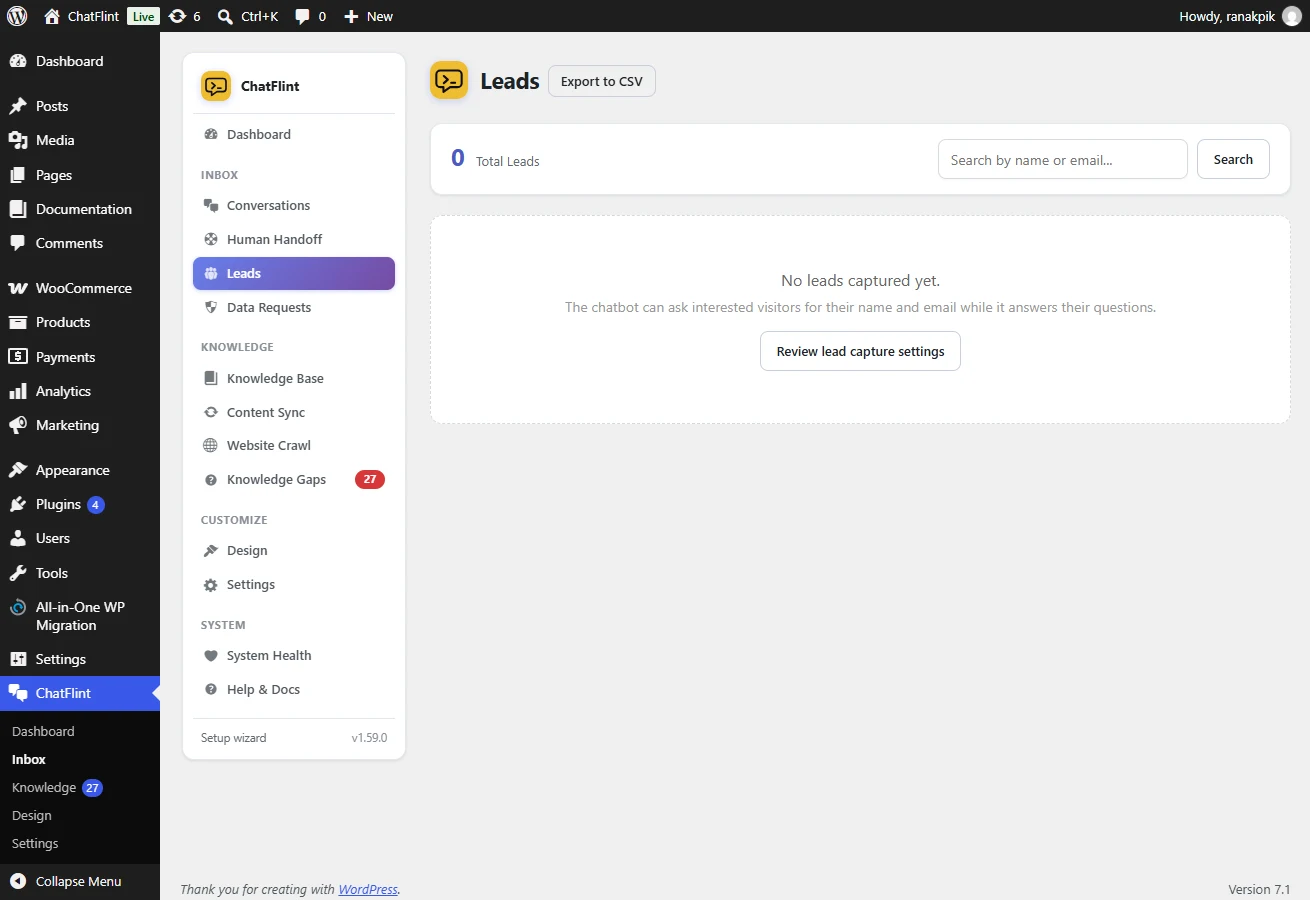
Lead capture is off by default. Switch it on under Settings → Leads & Support → Lead Generation and choose when the form appears.
- Before the chat — highest capture rate, lowest conversation rate. Use only if every enquiry is valuable.
- After a few messages — the balanced choice.
- On intent — when the visitor asks about prices, quotes or availability.
- On exit intent — as they move to leave.
Fields
Name, email, phone and message can each be shown, hidden or required, with your own labels. Ask for less than you want: every extra field costs submissions.
Where leads go
Into Leads, alongside the conversation that produced them, exportable as CSV. Email or Telegram notifications are optional.