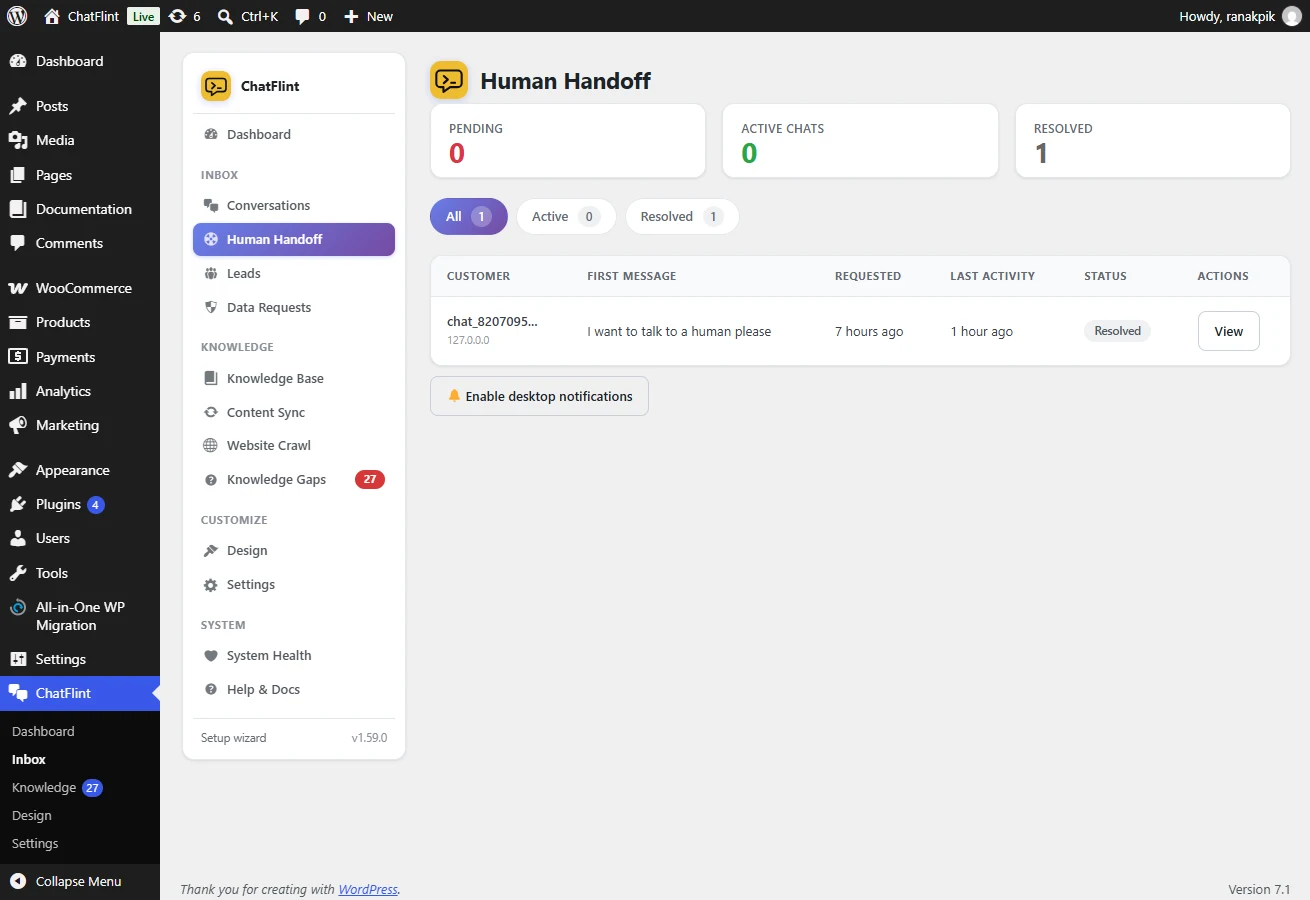
Enable it under Settings → Leads & Support → Human Support. Three things can trigger it:
- The visitor explicitly asks for a person, in any language and any phrasing.
- The bot has failed to answer several times in a row.
- The visitor presses the Talk to a human button, if you show it.
Inside and outside hours
During business hours the conversation goes live to your inbox and the visitor is told someone is joining. Outside them, or if nobody responds within the timeout, the visitor gets the leave-a-message form instead of waiting in silence.